After adding takeoff quantities to a Job, you can generate a Bill of Materials (BOM) in Pipeline LBM. The BOM organizes your Job’s data into sections, giving you a complete view of the required materials. Once created, you can also export the BOM for use outside of Pipeline LBM.
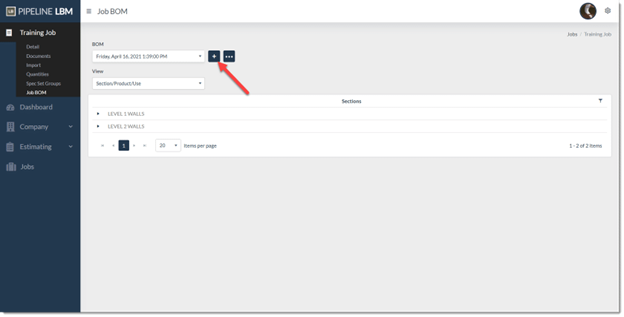
- On the Job BOM page, click the plus icon next to the BOM dropdown.
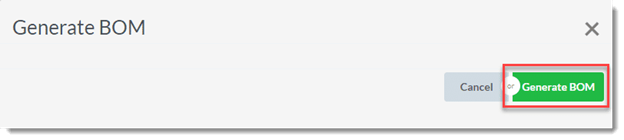
- Select Generate BOM.
- Review the populated BOM. The sections display automatically based on the quantities imported into Pipeline LBM.
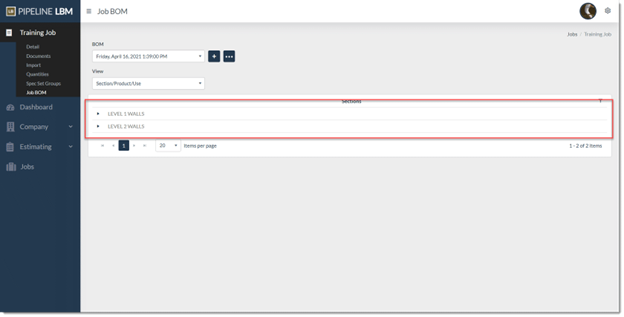
Pipeline LBM has generated a Bill of Materials for your Job. You can now view it in the system and choose from available export options.